
Passez du papier à un menu en ligne en quelques minutes avec une IA qui répond aux questions de vos clients à votre place.
La PlatZa
Cuisine artisanale & Grill · Table 04
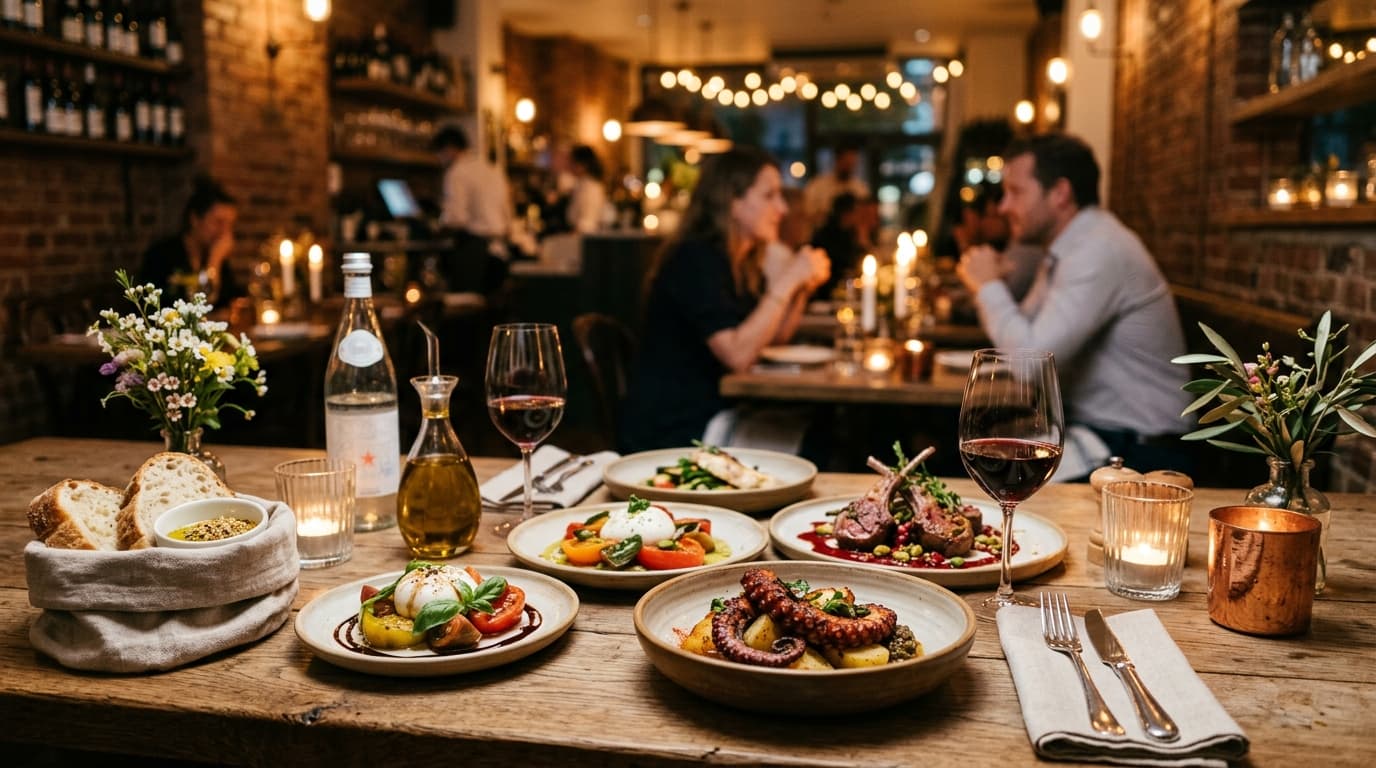
Bienvenue chez La PlatZa 👋
Scannez, commandez et posez toutes vos questions à notre IA.
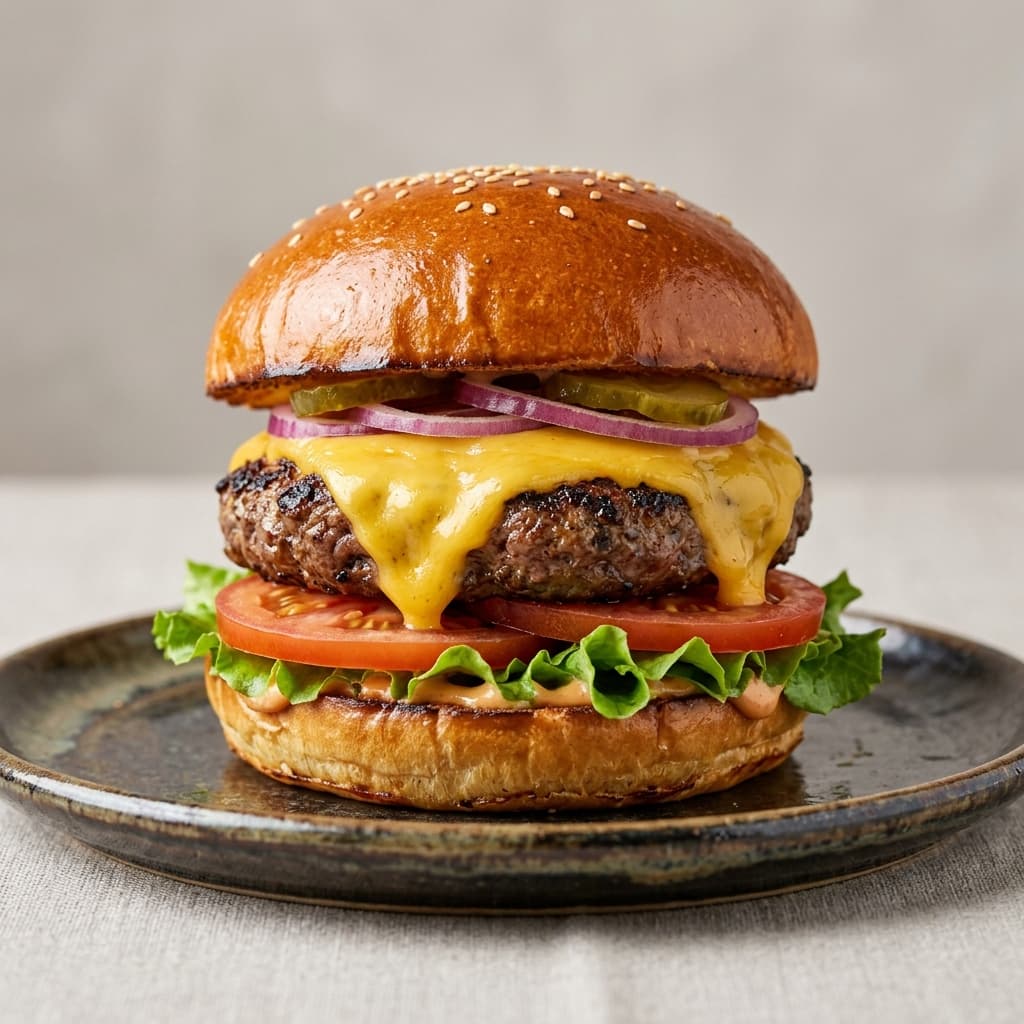
Classic Cheeseburger
€12.50Brioche, beef, cheddar & fresh tomato
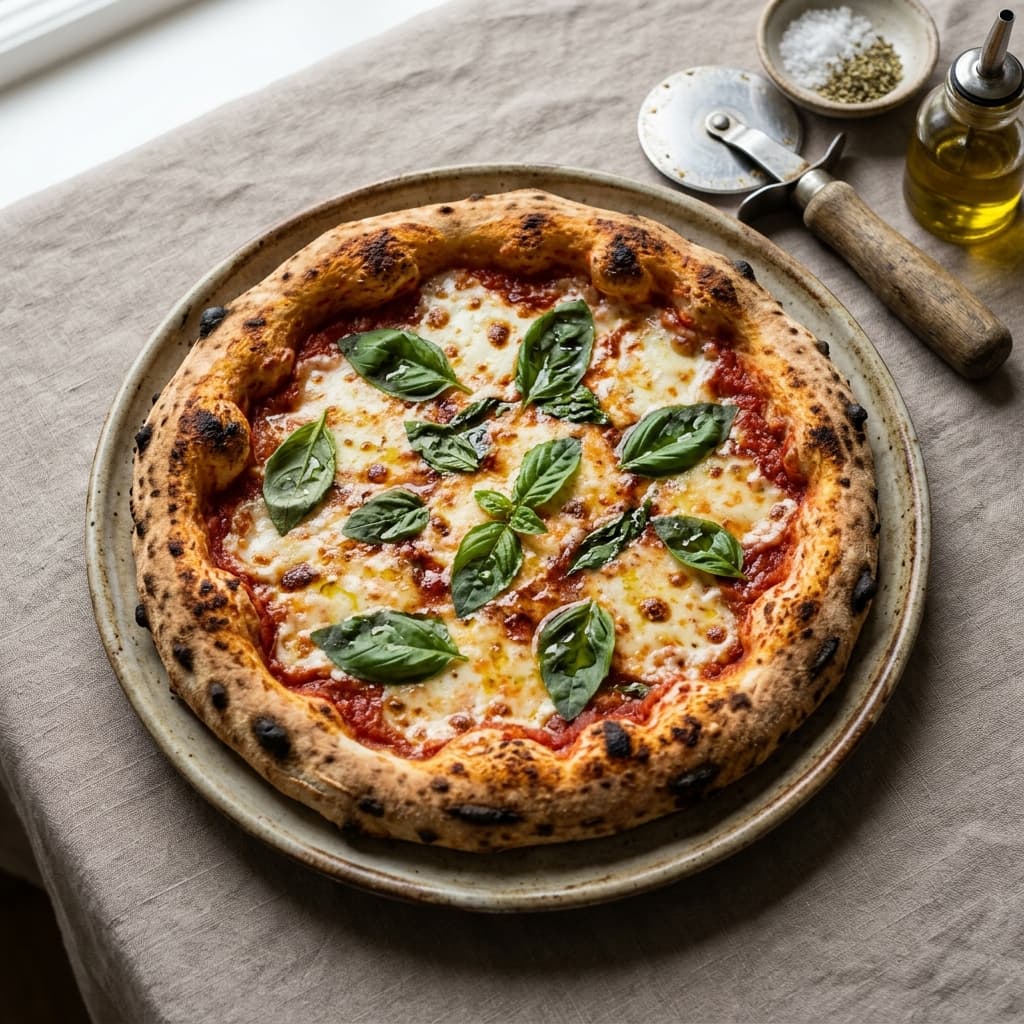
Margherita Pizza
€11.00San Marzano sauce, mozzarella & basil
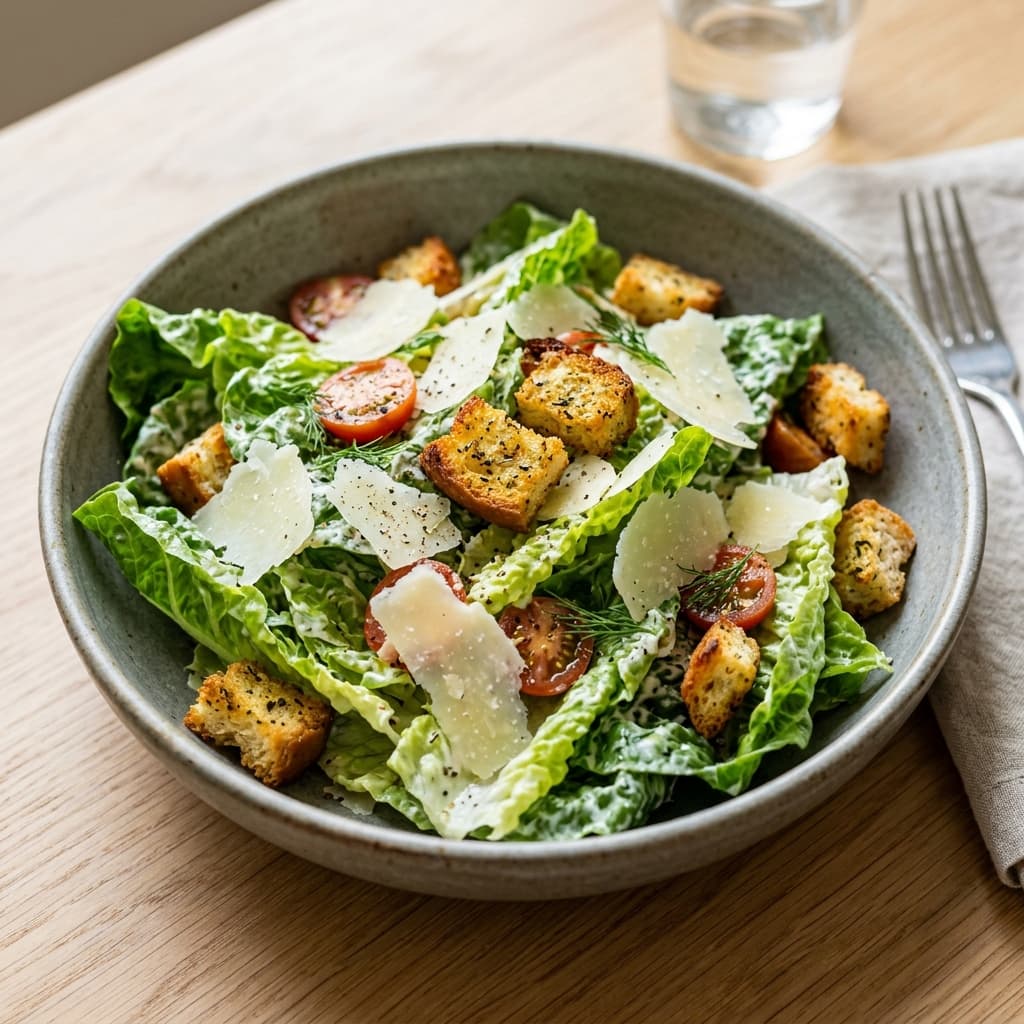
Caesar Salad
€9.50Crisp romaine, parmesan & croutons
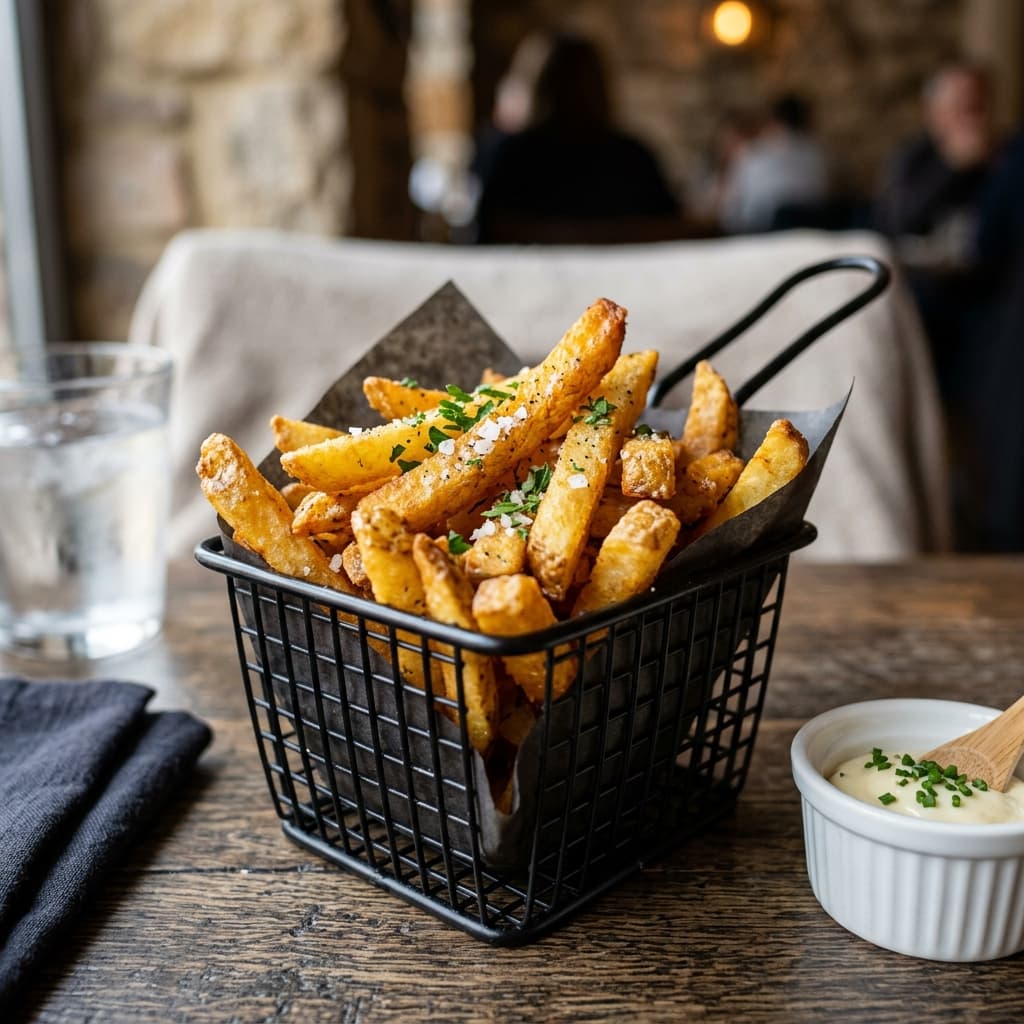
French Fries
€4.50Golden crispy fries & fine sea salt

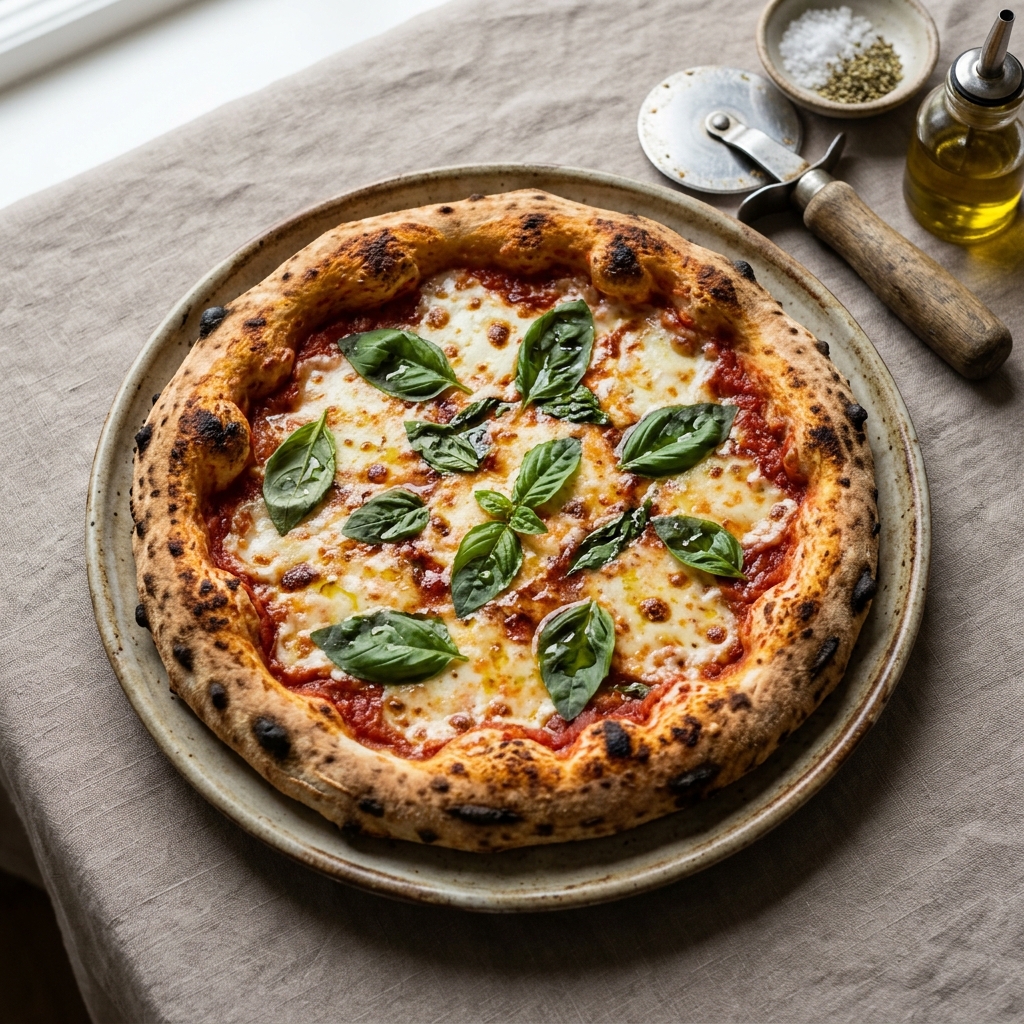 Margherita €11.00
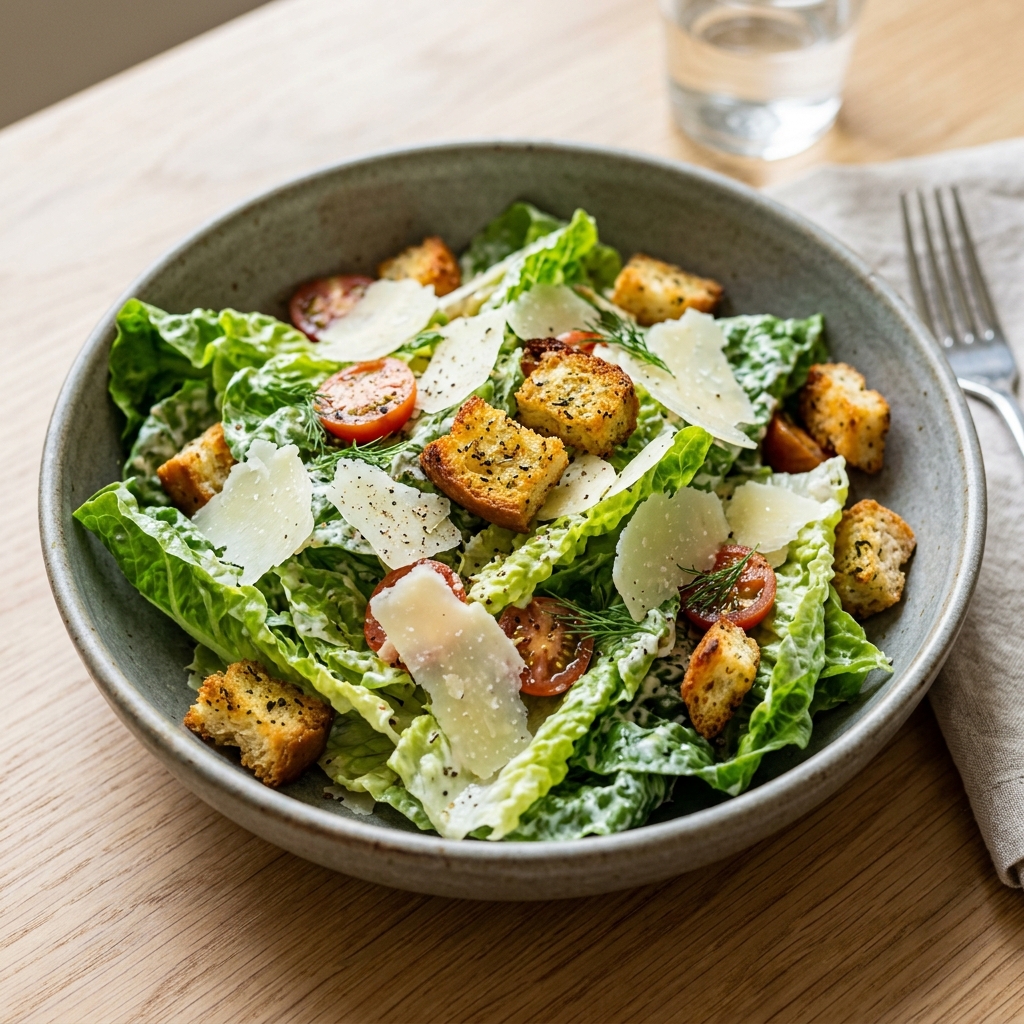 Caesar €9.50
En ligne en minutes
Menu et QR en un clic
IA répond aux clients
Rapide, précis, 24/7
Toujours à jour
Modifiable à tout moment
Suivi par table
Vos ventes, plat par plat
Multi-langues
Chacun dans sa langue
Quel que soit le format de votre menu
Chaque établissement a ses habitudes. Choisissez simplement votre point de départ : texte brut, photos de plats ou carte papier. Notre plateforme génère votre menu digital interactif instantanément.
Transformez votre texte en menu digital
Rédigez simplement la liste de vos plats, associez vos photos en glisser-déposer et obtenez instantanément votre QR code prêt à être scanné.
Vous décrivez votre menu
Mon restaurant s’appelle Milano Food.
- Pizzas : Pizza Margherita, 9 €
- Plats : Lasagnes bolognaises, 14 €
- Desserts : Tiramisu maison, 6 €
Ajoutez les photos de vos plats
Glissez et déposez l’image sur le plat correspondant
Pizza Margherita
9 €

Lasagnes bolognaises
14 €
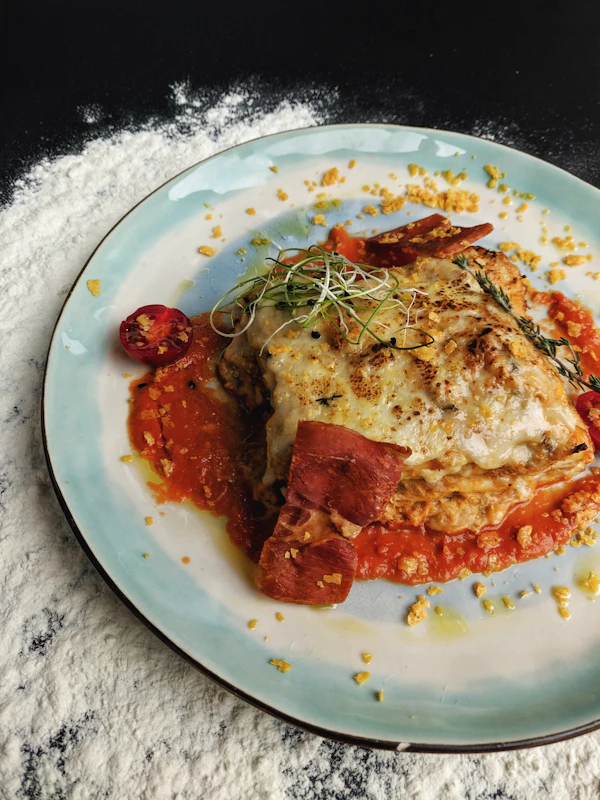
Tiramisu maison
6 €

tiramisu.jpg

Menu prêt à être publié
Validez cette étape pour activer le QR code et ouvrir l’accès public.
Aperçu du menu public
Milano Food · Carte Restaurant
Scannable instantanément à table
Milano Food
Table n° 4 · Carte Restaurant
Pizza Margherita
Sauce tomate San Marzano, mozzarella fior di latte, basilic frais et huile d’olive extra vierge.
Lasagnes bolognaises
Pâtes fraîches maison, ragù mijoté à la viande de bœuf, béchamel onctueuse et parmesan 24 mois.
Tiramisu maison
Biscuits savoyards imbibés d’espresso italien, crème onctueuse au mascarpone et cacao amer.
COMMENT FONCTIONNE QRFOOD
D'une simple idée à un restaurant plus intelligent.
Créez votre menu avec l'IA, personnalisez-le, lancez-vous et transformez chaque interaction pour fidéliser vos clients et développer votre activité.
Créez avec l'IA ✨
Transformez ce que vous avez déjà en un menu.
Entrez le nom de votre établissement, décrivez votre carte ou importez votre menu existant et vos photos de plats. QRFood s'occupe de structurer le reste.
Personnalisez à votre image
Adaptez l'expérience à votre restaurant.
Ajustez votre menu, vos plats, vos prix, votre identité visuelle et l'expérience QR jusqu'à ce que tout reflète parfaitement votre établissement.
Publiez & lancez-vous
Mettez votre menu entre les mains de vos clients.
Publiez votre menu, générez vos QR codes et disposez-les sur vos tables : aucune application requise.
Servez plus intelligemment
Laissez QRFood assister chaque visite.
Gardez votre carte toujours à jour et laissez QRFood aider vos clients à choisir leurs plats, répondre à leurs questions et interagir avec votre restaurant.
Fidélisez vos clients
Transformez les visites en relations durables.
Utilisez le programme de fidélité, les récompenses et les promotions pour récompenser vos meilleurs clients et leur donner envie de revenir.
Analysez & progressez
Comprenez ce qui se passe dans votre restaurant.
Suivez les scans, les tables, les commandes, l'engagement et les performances pour comprendre ce qui fonctionne et identifier les axes d'amélioration.

Pour tous les établissements
Conçu pour tous les types de restauration
Que vous gériez une table gastronomique, un bar animé ou un café de quartier, QRFood s'adapte à votre rythme.
Pour vos clients
Tout ce dont vos clients ont besoin après avoir scanné.
Explorez le menu, posez des questions, obtenez des recommandations, commandez et payez, le tout depuis un simple QR Code.
- 01
Découvrir le menu
Parcourez les plats par catégorie avec photos, descriptions et prix dans un menu élégant.
- 02
Poser n'importe quelle question
Vos clients obtiennent des réponses instantanées sur les plats, ingrédients, disponibilité et plus.
- 03
Recommandations intelligentes
Ils découvrent les plats qu'ils vont adorer, selon leurs préférences et ce qu'ils recherchent.
- 04
Décider en toute confiance
Des informations claires et des suggestions utiles rendent la commande plus simple et plus rapide.
- 05
Appeler le serveur
Besoin d'aide ? Prévenez votre équipe en un seul geste.
- 06
Commander à table
Passez commande directement depuis votre table, sans attendre.
Bientôt disponible - 07
Payer depuis son téléphone
Réglez l'addition dès que vous êtes prêt, en quelques gestes.
Bientôt disponible

Tarifs simples & transparents
Commencez gratuitement, évoluez selon vos besoins
Obtenez votre restaurant en ligne dès aujourd'hui. Sans carte, sans limite de temps.
En démarrant gratuitement, vous obtenez :
- 1 restaurant
- Menus & QR codes illimités
- QR codes personnalisés
- Mises à jour du menu en direct
- Tableau de bord de base
- Historique des scans sur 30 jours
- Support communautaire
Prix affichés à titre indicatif pendant l'accès anticipé.
Questions fréquentes
Tout ce que vous devez savoir
Des réponses claires à vos questions les plus fréquentes sur QRFood.
Mes clients doivent-ils installer une application ?
Non. Ils scannent le QR code et tout se passe dans leur navigateur : le menu et l'assistant, sur un seul écran.
Comment l'assistant connaît-il mon menu ?
Il lit le menu que vous créez dans QRfood. Quand vous modifiez un plat, un prix ou une description, l'assistant utilise l'information à jour immédiatement.
Puis-je utiliser un seul code pour tout le restaurant ?
Oui, mais un code par table est préférable : chaque scan est lié à sa table, ce qui alimente des statistiques par table et, plus tard, la prise de commande.
Combien coûte le démarrage ?
Le plan gratuit couvre un menu complet, les réponses de l'IA et jusqu'à cinq codes de table, largement de quoi démarrer aujourd'hui sans carte bancaire.
Puis-je personnaliser l'apparence du QR ?
Oui. Dans l'application, vous pouvez changer les couleurs, ajouter votre logo et ajouter un court cadre d'appel à l'action avant de télécharger.